Of all the flight apps on the App Store, Vario One and Wingman are probably the closest. Both turn the iPhone and the Apple Watch into a vario, both run on the Watch without the phone, both record a signed IGC file for XContest. The differences are in the price model, in what happens around the vario, and in who can follow your flight. This post goes through them.
In the interest of honesty: we make Wingman. Vario One does several things Wingman doesn't, and we say so below.
What Vario One is
Vario One is made by Leobalo GmbH in Bensheim, Germany. It came out on the iPhone in 2022 and has an Apple Watch app; the Android version followed in July 2026. There is no iPad version.
The download is free and every feature is free for 14 days. After that, the annual subscription starts automatically unless you cancel it or pick another one: 24,99 € ($22.99) a year, 12,99 € ($11.99) for three months, or 3,99 € ($3.99) for a week. A subscription bought on the iPhone covers the Watch. Without one, the map with launch and landing sites stays free to view.
On the iPhone, the vario combines the barometer, the accelerometer, the gyroscope and GPS, with a Kalman filter since version 6.5; an Instant Beeping switch lets you go back to a classic barometer-only vario. The tone has 18 frequency levels, the climb threshold can go down to −0.5 m/s, and a free Sound Studio on the website lets you design your own tone. Bluetooth varios from BlueFly, XC Tracer, Mipfly and Stodeus connect to it.
Around the vario, Vario One shows OpenAIP airspace with spoken alerts that give the zone's name, its class and the time until you reach it, and since version 8.0 it can take the QNH from the nearest airfield's METAR. The map has the KK7 thermal and skyway layers and Holfuy wind stations. SafeSky traffic is included in the subscription, and Buddy Flying shows the pilots of a private group on your map, between iPhones and Android phones. The logbook saves signed IGC and GPX files and uploads them to XContest and DHV-XC, by hand or automatically, and German pilots can make a PDF of their flying practice for the DHV.
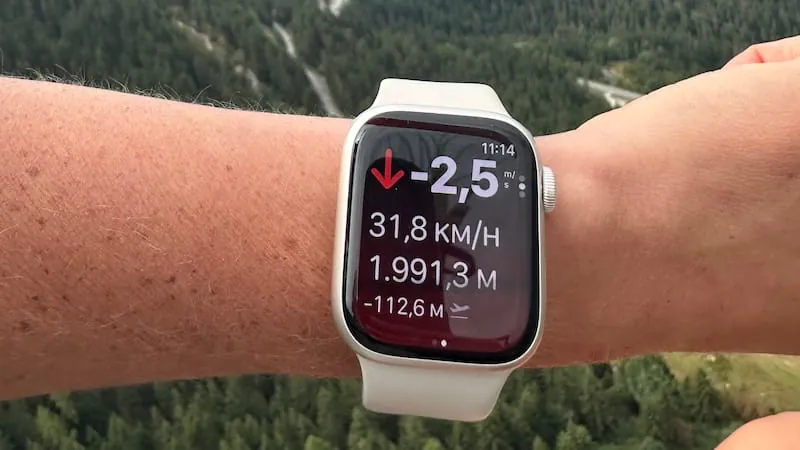
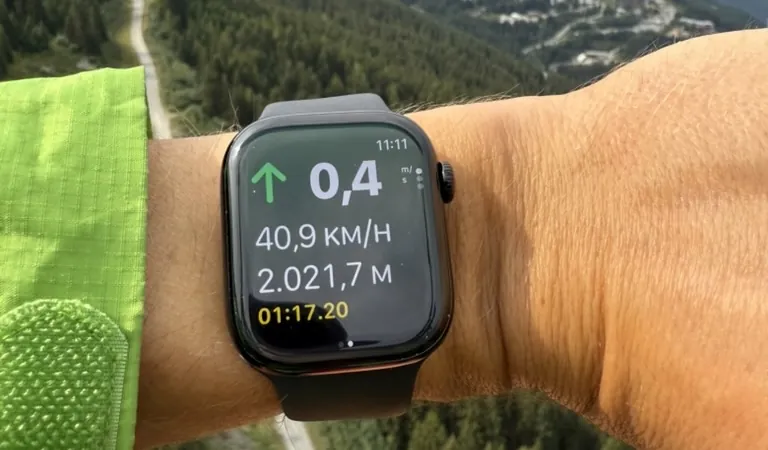
The Watch app works on its own: vario with beeps from the Watch speaker, altitude, speed, a wind compass, automatic take-off and landing detection, and IGC and GPX recording. The developer gives four to six hours of battery on a Series 9 and up to ten on an Ultra. It needs a Series 6 or later; the Apple Watch SE is not compatible.
What Wingman is
Wingman turns an iPhone and an Apple Watch into a vario, a flight recorder, a live tracker and a logbook. The vario combines the barometer and the accelerometer of the phone or the Watch, and you set when it starts and stops beeping, its pitch and cadence, a sink tone and a sink alarm. Recording starts on its own at take-off and stops after you land. The map shows nearby airspace and warns you as you approach it, and routes are built from waypoints or imported from a task's XCTrack QR code.
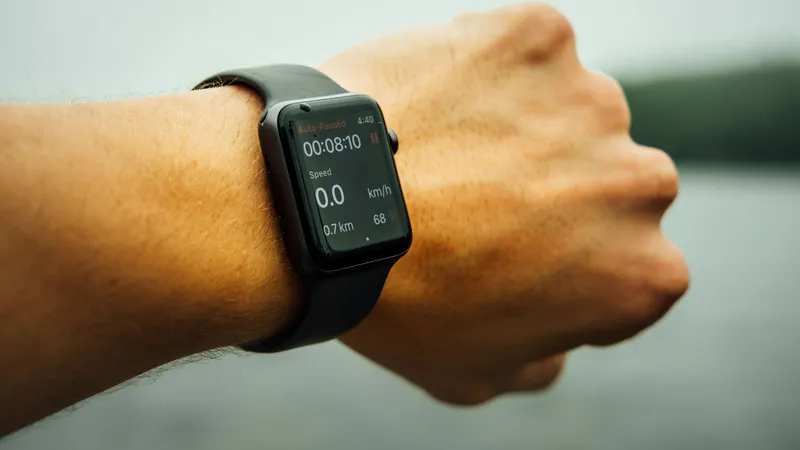
Live tracking sends your position to your Wingman friends, to a web link anyone can open, to PureTrack and to the FFVL's tracking. After landing come the logbook, a 3D replay you can export as a video, your gear with its hours, and signed IGC files that go to XContest or DHV-XC from the flight's menu, or by themselves after landing. The Watch app is a full instrument with its own GPS, vario tones and haptics, four flight pages and take-off detection, and it runs on a Series 4 or later, the SE and the Ultra. Wingman is free to download; Wingman PRO is optional.
Side by side
| Vario One | Wingman | |
|---|---|---|
| Price | 14 days free, then 24,99 € ($22.99) a year | Free download, Wingman PRO optional |
| Platforms | iPhone, Apple Watch, Android | iPhone, iPad, Mac, Apple Watch; Android in early 2027 |
| Apple Watch models | Series 6 or later, no SE | Series 4 or later, SE, Ultra |
| On the Watch | Standalone vario and recorder, beeps from the speaker | Standalone vario and recorder, tones and haptics, four flight pages |
| Vario on the iPhone | Barometer, accelerometer, gyroscope, Kalman filter | Barometer and accelerometer |
| Sound | 18 frequency levels, custom tones from the web Sound Studio | Start and stop thresholds, pitch and cadence, sink tone, sink alarm |
| Bluetooth varios | BlueFly, XC Tracer, Mipfly, Stodeus | Stodeus, Syride, XC Tracer |
| Airspace | OpenAIP, spoken alerts with the time to reach, QNH from METAR | On the map, with an alert as you approach |
| Map layers | Airspace, KK7 thermals and skyways, Holfuy wind, traffic, buddies, sites, route | Airspace, route, friends nearby, thermal viewer |
| Traffic | SafeSky, in the subscription | Wingman friends on the map |
| Live tracking | Private Buddy Flying groups | Wingman friends, web link, PureTrack, FFVL |
| Routes and tasks | Web route planner; no competition tasks | Waypoints, XCTrack task QR codes |
| After the flight | Logbook with map, altitude profile and statistics; DHV practice PDF | Statistics, 3D replay, video export, gear |
| IGC and uploads | Signed IGC, upload to XContest and DHV-XC, automatic if you want | Signed IGC, upload to XContest and DHV-XC, automatic if you want; GPX and KML export |
| App languages | 5 | 10 |
| App Store rating (Germany, November 2026) | 4.7 (24 ratings) | 4.9 (183 ratings) |
Where Vario One is the better choice
- Android, today. Vario One has been on Android since July 2026, and Buddy Flying groups mix iPhones and Android phones. Wingman's Android version is due in early 2027.
- Traffic. SafeSky is in the subscription: you see ADS-B, FLARM, OGN and PilotAware traffic, with alarms. Wingman shows your friends, not other aircraft.
- Airspace you can hear. Spoken alerts that tell you which zone is ahead and how long until you reach it, and the QNH from the nearest METAR.
- Thermal and wind layers. KK7 thermals and skyways and Holfuy wind stations on the map.
- Your own vario tone. The Sound Studio lets you shape the beeps point by point.
- For DHV members. A PDF of your flying practice, ready for the DHV.
Where Wingman is the better choice
- The price model. Vario One's trial ends after 14 days, and after that you need a subscription to keep the vario. Wingman is free to download, and Wingman PRO is optional.
- Live tracking for the people on the ground. Vario One's developer says it plainly: Buddy Flying is not a public tracking platform. Wingman sends a web link anyone can open, and your position to PureTrack and the FFVL.
- More Watches. Wingman runs on the Series 4 and 5 and on every Apple Watch SE, which Vario One doesn't support.
- Tasks. Wingman imports a task from its XCTrack QR code. Vario One doesn't do competition tasks yet, in its own words.
- The flight afterwards. A 3D replay over the terrain that you can export as a video, your friends' flights, and your gear with its hours and repack reminders.
Which one to pick
If you fly in Germany, want traffic and spoken airspace alerts, or fly with friends on Android, Vario One is a good choice, at the price of a yearly subscription. If you want a free download that turns the phone and the Watch into a vario, with live tracking your family can open and replays to look back on, Wingman fits better.
The vario is the heart of both, and both pair the barometer with the motion sensors, so the honest advice is to fly them both on a quiet day and listen. Wingman costs nothing to try, and Vario One gives you two weeks.
Frequently asked questions
Is Vario One free?
For 14 days. Then the annual subscription, 24,99 € ($22.99), starts automatically unless you cancel it or choose three months (12,99 €) or a week (3,99 €). Without a subscription, the map with launch and landing sites stays free to view.
Does Vario One work on the Apple Watch SE?
No. The developer says the Watch app needs a Series 6 or later and that the SE is not compatible. Wingman runs on the SE, on the Series 4 and later, and on the Ultra.
Does Vario One have live tracking?
Vario One has no public tracking page of its own: Buddy Flying shares positions inside a private group, and SafeSky sends your position to its traffic network.
Which one has the better vario?
Both pair the barometer with the motion sensors; Vario One adds the gyroscope, GPS and a Kalman filter. The sound and the settings differ too: the Wingman vario lists its settings and defaults. The best test is your own ears in the air.
Do both work with XContest?
Yes. Both send signed IGC files to XContest and DHV-XC, by hand or automatically. How to upload an IGC file to XContest shows how.