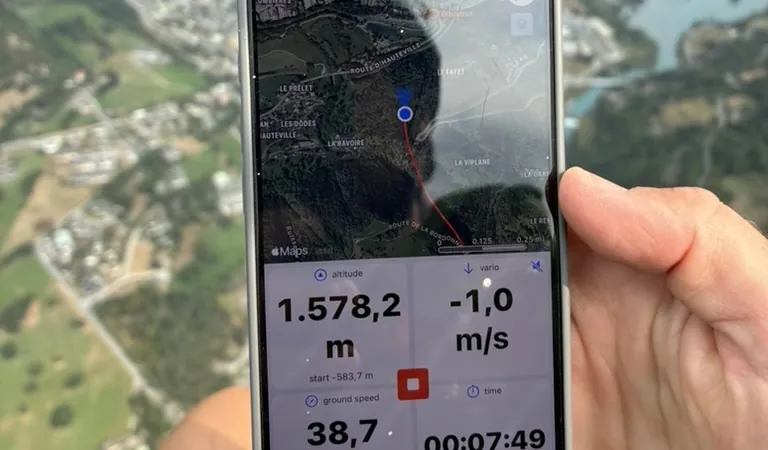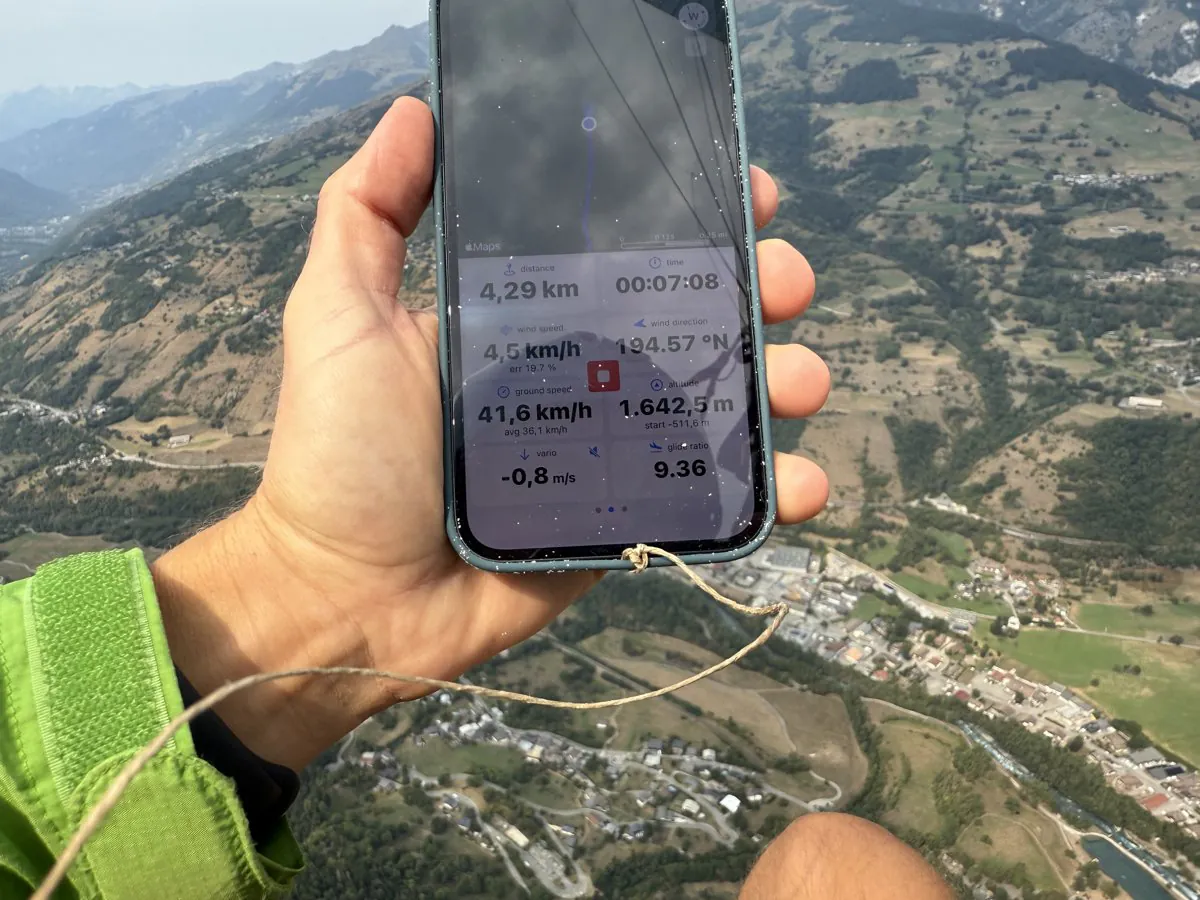
Flyskyhy has been on pilots' iPhones since 2012, which makes it one of the oldest flight apps on the App Store, and it is still one of the most complete for cross-country and competition flying. Wingman is younger and built around other priorities: a vario you can trust on the phone or the Apple Watch, recording that starts by itself, and a logbook you will want to open after the flight. Both are iPhone apps, both are made to be used in the air, and pilots ask us which one to pick. This post puts them side by side.
In the interest of honesty: we make Wingman. Flyskyhy does several things better than Wingman, and they are listed below.
What Flyskyhy is
Flyskyhy is made by Rene Dekker, who sells it under the name Renevision. It runs on the iPhone and, since version 9.0 in June 2025, natively on the iPad. There is no Apple Watch app and no Android version, which the developer's FAQ says isn't planned for now.
It is a paid app. $8.99 (9,99 €) buys the instruments, the vario, the moving map, live tracking to Livetrack24 and Loctome, the logbook and signed IGC files. Six add-ons extend it:
- Waypoints ($7.99): routes and competition tasks, with the optimised route and waypoint instruments.
- Airspaces ($7.99): airspace on the map, a vertical view and alarms, for more than 30 countries.
- XC-Package ($7.99): a thermal centring view that allows for drift, a side view of your glide, and FAI triangle instruments in flight.
- Map Download ($6.49): maps preloaded for offline use, up to 100 km around a point.
- Social ($3.99): live tracking to several servers at the same time, and your friends on the map.
- Thermal Maps ($3.99): the kk7 thermal hotspots and skyways.
The app and all six add-ons come to about $47 (52 €), and two of them, Map Download and Thermal Maps, are subscriptions that renew.
The vario mostly reads the iPhone's accelerometer and gyroscope and checks them against the barometer: the developer explains that the iPhone's pressure sensor alone answers too slowly, with about three seconds of lag. Flyskyhy also connects to almost any Bluetooth vario that talks to an iPhone (SensBox, XC Tracer, BlueFly, SkyDrop, FlyBeeper, VectorVario and more, up to five devices at once), and its task navigation opens XCTrack's .xctsk files and QR codes. Flights are saved as signed IGC files and go straight from the app to XContest, DHV-XC and Leonardo servers such as ParaglidingForum.
What Wingman is
Wingman turns an iPhone and an Apple Watch into a vario, a flight recorder, a live tracker and a logbook. The vario combines the barometer and the accelerometer of the phone or the Watch, and you set when it starts and stops beeping, its pitch and cadence, a sink tone and a sink alarm. Recording starts on its own at take-off and stops after you land. The map shows nearby airspace and warns you as you approach it, and routes are built from waypoints or imported by scanning a task's XCTrack QR code.
Live tracking sends your position to your Wingman friends, to a web link for family, to PureTrack and to the FFVL's tracking. After landing, the flight is in the logbook with its statistics, its free distance or triangle with an estimate of its XContest points, and a 3D replay you can export as a video. Its signed IGC file goes to XContest or DHV-XC from the flight's menu, or by itself after landing. The Apple Watch app is a full instrument with its own GPS, vario and take-off detection, so you can fly with the Watch alone. Wingman is free to download; Wingman PRO is optional.
Side by side
| Flyskyhy | Wingman | |
|---|---|---|
| Price | $8.99 (9,99 €), plus six add-ons: about $47 in all | Free download, Wingman PRO optional |
| Platforms | iPhone, iPad | iPhone, iPad, Mac, Apple Watch; Android in early 2027 |
| Apple Watch | No Watch app | Standalone: vario, GPS recording, take-off detection |
| Android | No, and no plans | Coming soon |
| Vario | Accelerometer and gyroscope, checked against the barometer | Barometer and accelerometer, on the phone or the Watch |
| Bluetooth varios | Almost any vario that talks to an iPhone, up to five at once | Stodeus, Syride, XC Tracer |
| Recording | Tap Ready to Fly before each flight; the log starts at take-off and can end by itself | Starts and stops by itself |
| Airspace | Add-on: more than 30 countries, alarms, vertical view | On the map, with an alert as you approach |
| Tasks | Add-on: cylinders, start times, ESS, optimised route | Routes from waypoints or XCTrack task QR codes |
| XC tools | Thermal centring view, FAI triangle instruments (add-on) | Wind estimator, thermal viewer, triangle and estimated XContest points after landing |
| Live tracking | Livetrack24, Loctome and other servers | Wingman friends, web link, PureTrack, FFVL |
| After the flight | Logbook, replay, Google Earth | Logbook, statistics, 3D replay, video export |
| IGC and uploads | Signed IGC, direct upload to XContest, DHV-XC and Leonardo servers | Signed IGC, upload to XContest and DHV-XC from the flight or automatically; GPX and KML |
| App languages | 8 | 10 |
| App Store rating (US, November 2026) | 4.5 (77 ratings) | 4.8 (118 ratings) |
Where Flyskyhy is the better choice
- Competitions. Flyskyhy flies a task the way a competition pilot needs it: entry and exit cylinders, start times, ESS, distances along the optimised route, glide to goal. Wingman imports the same tasks, with their cylinders, and shows the route on the map, but it has no start times or optimised line to race against.
- Thermalling and triangles. The XC-Package's centring view, which allows for drift, and its FAI triangle instruments in flight have no equivalent in Wingman, which finds your triangle once you have landed.
- Bluetooth instruments. If you fly with a SensBox, a SkyDrop, a FlyBeeper or a VectorVario, Flyskyhy reads it. Wingman's list is shorter.
- No subscription for the core. The app and four of the add-ons are bought once.
Where Wingman is the better choice
- The Apple Watch. Flyskyhy has no Watch app. Wingman's runs on its own, with the Watch's GPS and barometer, so on a hike-and-fly day the phone can stay in the bag. More on Wingman for Apple Watch.
- Recording you don't think about. Wingman starts recording when you take off and stops when you land. Flyskyhy logs nothing until you tap Ready to Fly, and its FAQ notes that take-off detection may not trigger when you soar a cliff in strong wind.
- The flight afterwards. A 3D replay over the terrain and a video of it to share, your friends' flights, and your gear with its hours and its repack reminders.
- Trying it costs nothing. Wingman is free to download, so you can fly with it before deciding anything. Flyskyhy has no free version or trial.
Which one to pick
If you fly competitions, chase FAI triangles or already own a Bluetooth vario you trust, Flyskyhy is the more complete tool, and its mostly one-off price is fair for what it does. If you want the phone or the Watch to be the instrument, every flight logged without a thought and a logbook worth opening, Wingman fits better.
The two can also share a flight: Flyskyhy on the phone for the task, Wingman on the Watch as a second vario and recorder.
Frequently asked questions
Is Flyskyhy free?
No. The app costs $8.99 (9,99 €) and has no free version or trial. Waypoints, Airspaces and XC-Package cost $7.99 each, Map Download $6.49, and Social and Thermal Maps $3.99 each.
Does Flyskyhy work on Apple Watch?
No, there is no Flyskyhy app for the Watch. Wingman has a standalone one; paragliding apps for Apple Watch explains the difference between a standalone app and a companion.
Is Flyskyhy available on Android?
No. The developer has no plans for an Android version and warns that any Flyskyhy on an Android store is a scam.
Can Wingman read XCTrack tasks like Flyskyhy?
Yes. Wingman scans a task's XCTrack QR code with the camera and shares its own routes as XCTrack QR codes. Flyskyhy also opens .xctsk files.
Do both work with XContest?
Yes. Both save signed IGC files and send them to XContest and DHV-XC from the app, and Flyskyhy also to Leonardo servers such as ParaglidingForum. In Wingman you upload from the flight's menu, or turn on automatic upload after landing: how to upload an IGC file to XContest shows both ways.