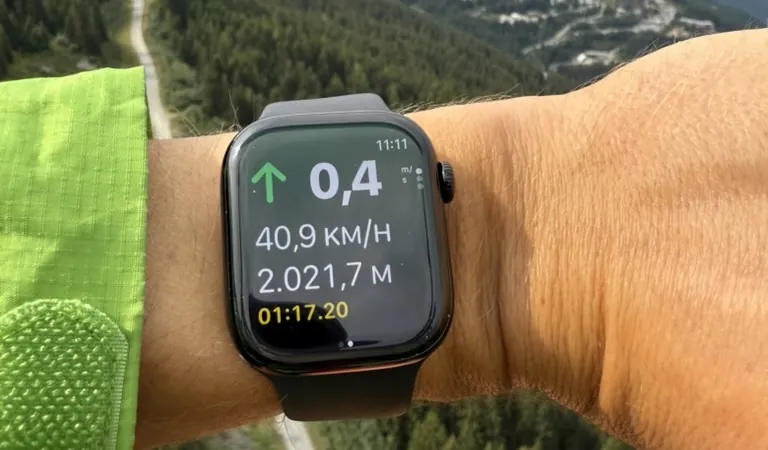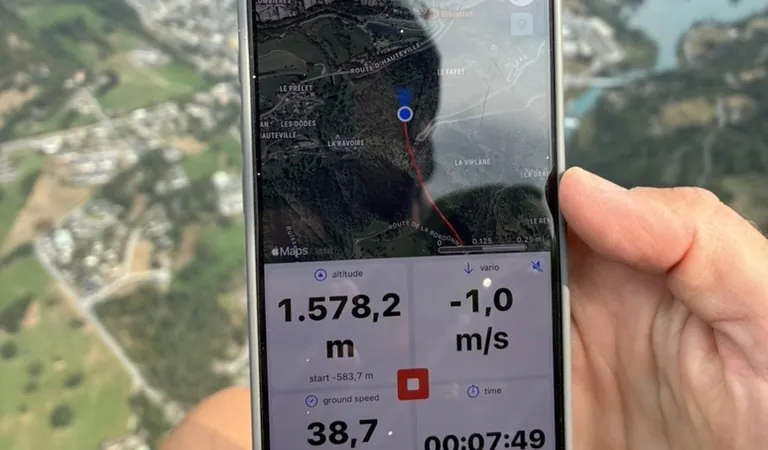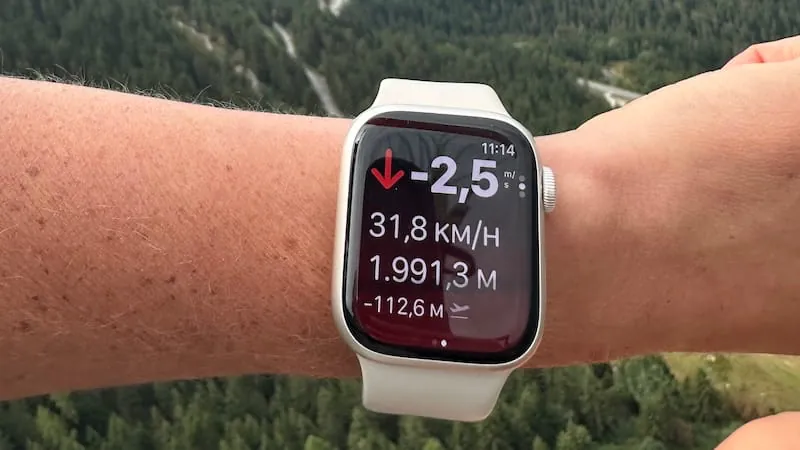
An Apple Watch has GPS, a barometric altimeter and an accelerometer: the three sensors a flight instrument is built on. Since the Series 3 it has had everything needed to work as a variometer, plus a screen you read by turning your wrist. Whether it actually does depends on which kind of app you install, and the two kinds behave very differently once you are in the air.
Type 1: companion apps that mirror the iPhone
Most Watch apps are extensions of an iPhone app. The phone does the work, GPS, vario, airspace and recording, and pushes a few numbers to the wrist over Bluetooth.
How they behave
- The iPhone app must be running and within Bluetooth range.
- The Watch shows altitude, climb rate or speed as received from the phone.
- If the connection drops, the display freezes or goes stale.
- The Watch cannot record a flight or work as a vario on its own.
When that is enough
If you fly with the phone mounted in front of you and want to glance at altitude without looking down, a companion app does that. It adds a second screen, not a second instrument. The moment the phone dies, overheats in the sun or drops the connection, the Watch shows old numbers or nothing.
Type 2: standalone apps that fly on their own
A standalone app runs on the Watch's own processor and sensors. It records the track with the Watch's GPS, computes climb rate from the Watch's barometer, and signals lift from the wrist, with no phone anywhere near you.
How they behave
- The app runs natively on the Watch; no iPhone required in flight.
- Climb rate comes from the Watch's own barometric altimeter.
- The full flight track is recorded with the Watch's GPS.
- Vario feedback comes directly from the Watch.
- Flights sync to the iPhone app afterwards for analysis.
When it matters
Hike-and-fly and vol-biv, where the phone stays in the pack. Short evening flights where getting the cockpit out is more effort than the flight. And as a backup that keeps recording when the primary instrument fails.
How to tell which type you have
Put the iPhone in airplane mode, walk away from it and open the Watch app. If it still shows live altitude and lets you start a flight, it is standalone. If it shows a spinner, a "connect your iPhone" message or frozen numbers, it is a companion app.
Wingman on Apple Watch
Wingman was built as a standalone Watch app from the start, not adapted from the phone version afterwards.
- A real vario on the wrist. Climb rate from the Watch's barometer, accelerometer and GPS, with audio vario tones from the Watch itself.
- Full flight recording. GPS track, altitude profile and flight statistics, recorded entirely on the Watch.
- No iPhone needed in the air. Start, fly and land with just the Watch.
- Automatic sync. Flights recorded on the Watch appear in the iPhone app for 3D replay, IGC export and detailed analysis.
- A glanceable screen designed for rough air, when you need one number fast.
Setup and screens are covered in the Apple Watch section of the help pages.
Which type is right for you?
- You always fly with the iPhone mounted and just want wrist convenience: a companion app is enough.
- You want the Watch to be an independent instrument, you fly hike-and-fly or vol-biv, or you want a backup that records on its own: a standalone app such as Wingman.
The Watch has the sensors and the processing power to be a legitimate paragliding instrument. The only question is whether your app uses them.
Frequently asked questions
Do I need my iPhone with me to record a flight?
Not with a standalone app. Wingman records the whole flight on the Watch; you need the phone later only to review it.
How long does the battery last?
GPS recording is the main drain. Start the day at full charge; the Ultra has roughly twice the battery of the standard models, which is why it is popular for long days out.
Is the Watch vario as good as the phone's?
It uses the same approach, barometer and accelerometer fused for a fast reading. If you want the phone's larger map and airspace display as well, run both: the Watch keeps working if the phone does not. For the phone side, see can a phone replace your vario.